Games / Math · 2021 · Shipped
Flag Collector
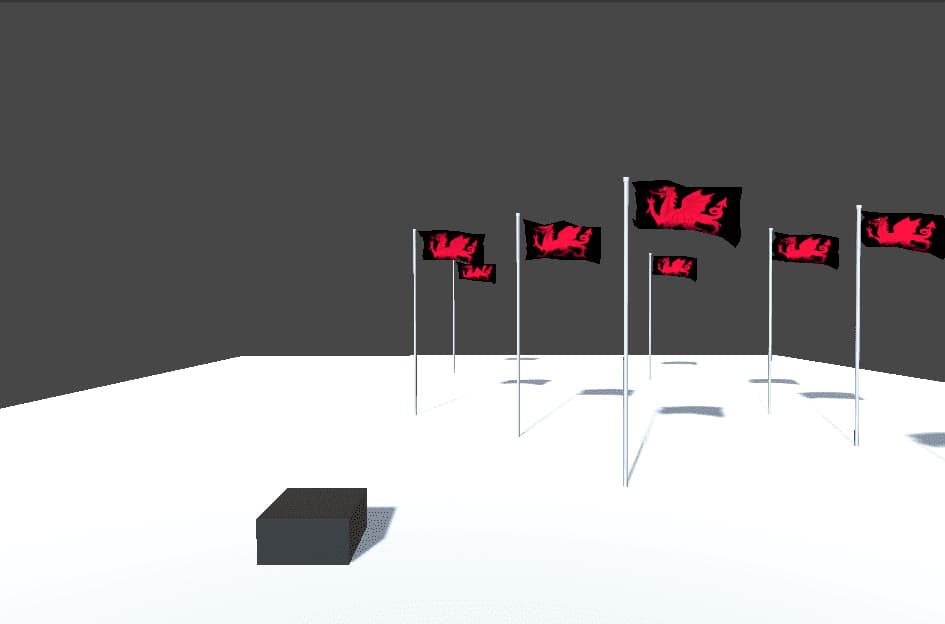
Plant flags for a collector to chase, then switch it live between in-order, nearest-first and paused modes. Its steering uses dot and cross products.
Highlights
- A three-state controller (In Order, Nearest, Paused) that can be switched at any moment
- Steering from first principles, with the dot product for the angle and the cross product for the rotation axis
- A spacing rule that stops flags being planted too close together
Overview
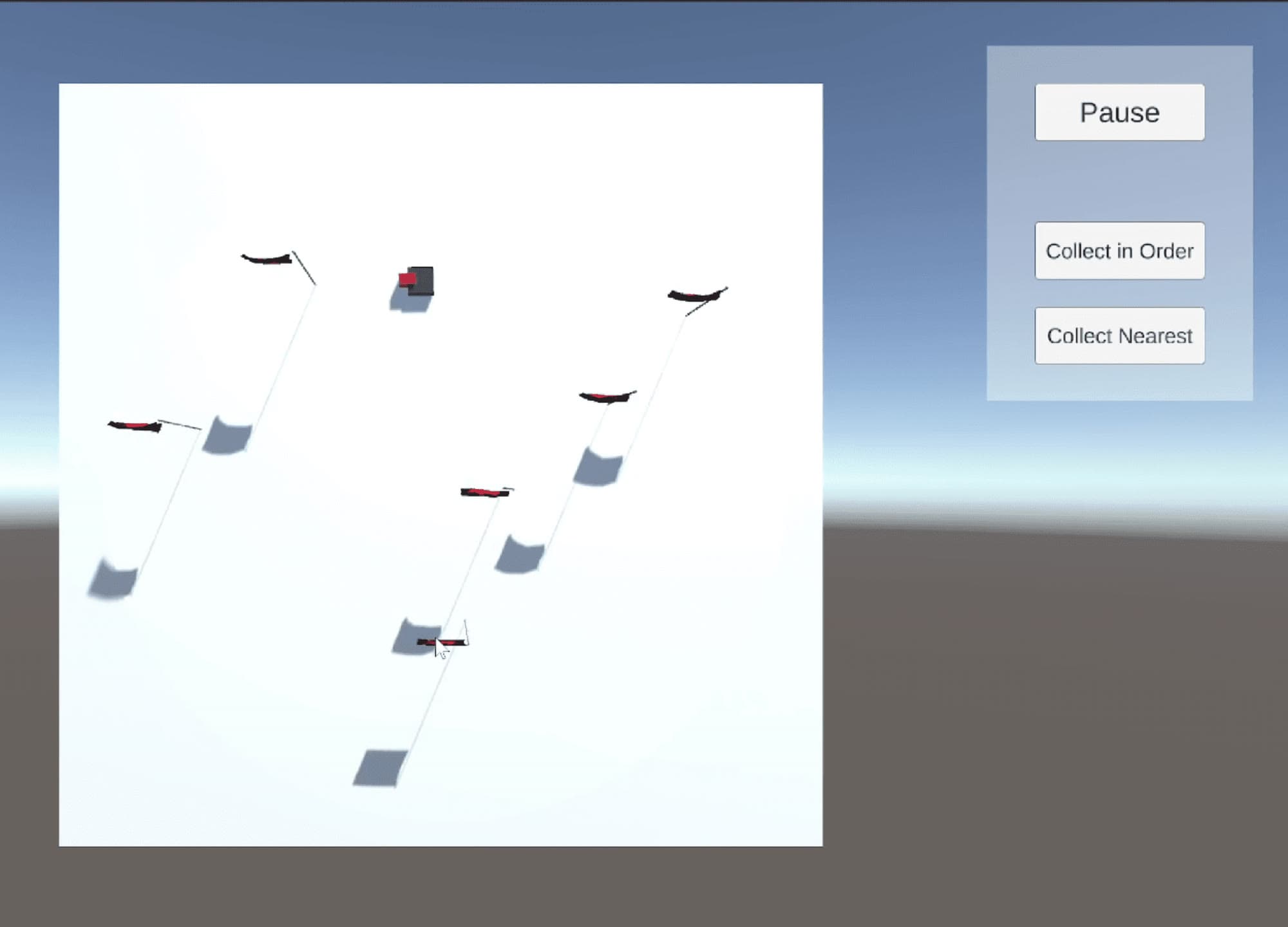
In Flag Collector, the player builds a path by planting flags, and a flag collector follows it to gather them. At any time you can change how the collector approaches the flags: in the order you placed them, closest first, or paused while you plan and place more. That flexibility turns a simple chase into a small strategy game.
What I built
- State controller. Three states, In Order, Nearest and Paused, drive the collector's behaviour. Flag positions are stored in a list, so each state only decides which one to target next. In Order follows the flags in sequence, Nearest picks the closest, and Paused stops the collector so you have time to place more flags.
- Following and rotating. Basic vector maths moves the collector toward each flag. The dot product gives the angle to turn through, and the cross product gives the axis to turn around, which decides between clockwise and anticlockwise. Each frame's turn is capped, so the movement stays smooth and precise.
- Flag planting. A distance check stops players placing flags too close together or on top of each other, which encourages more thoughtful placement. It compares squared distances, so no square root is needed. The UI fades out with a coroutine-driven animation.
Technical breakdown
void RotatingTowardTarget(Vector3 direction)
{
    Vector3 rotationAxis = Vector3.Cross(transform.up, direction);
    // Dot product to find the angle between the two directions
    float dot = Vector3.Dot(transform.up, direction);
    // Calculate the angle using the dot product
    float angle = Mathf.Acos(Mathf.Clamp(dot, -1f, 1f)) * Mathf.Rad2Deg;
    if (angle > 0.01f) // Prevent unnecessary small rotations
    {
        // Interpolate the angle to create smooth rotation by step by step rotating!
        float step = Mathf.Min(angle, rotationSpeed * Time.deltaTime);
        Quaternion rotation = Quaternion.AngleAxis(step, rotationAxis);
        transform.up = rotation * transform.up;
    }
}
Clamping the dot product before Acos guards against floating-point values just outside the range from −1 to 1, and Quaternion.AngleAxis around the cross product handles the direction of the turn without any sign checks.
Reference
WebGL build, playable in the browser on itch.io. The flag uses the Cloth animation-based Flag asset by telecaster from the Unity Asset Store.