Games / Rendering & GPU / Shaders · 2022 · Shipped
Try Not to Lose
A survival score-chaser where every click speeds you up and shrinks a green safe zone drawn by a compute shader that gameplay code re-dispatches.
- Role
- Solo developer
- Team
- Solo
- Timeline
- 2022
- Status
- Shipped
Highlights
- Gameplay state on the CPU drives a compute shader that redraws the play area
- A compute kernel that rasterizes the safe zone into a render texture, 8×8 threads per group
- Every click trades speed for space, so you have to spend clicks wisely
- Best-score tracking so players can take turns trying to beat each other
Overview
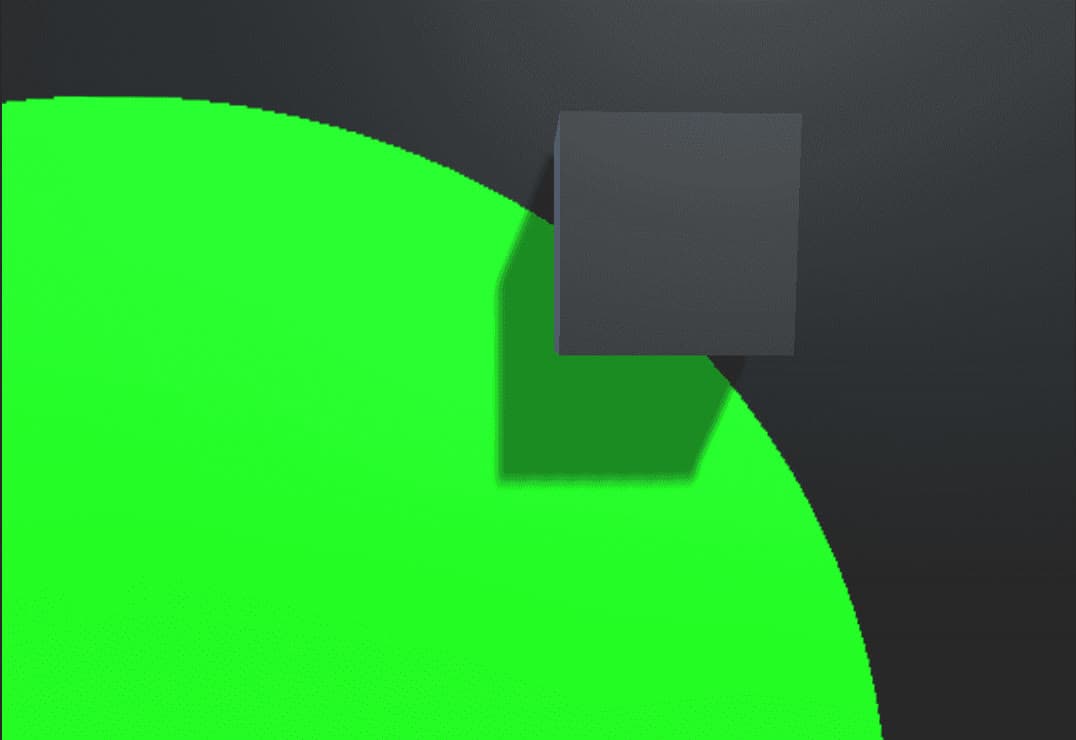
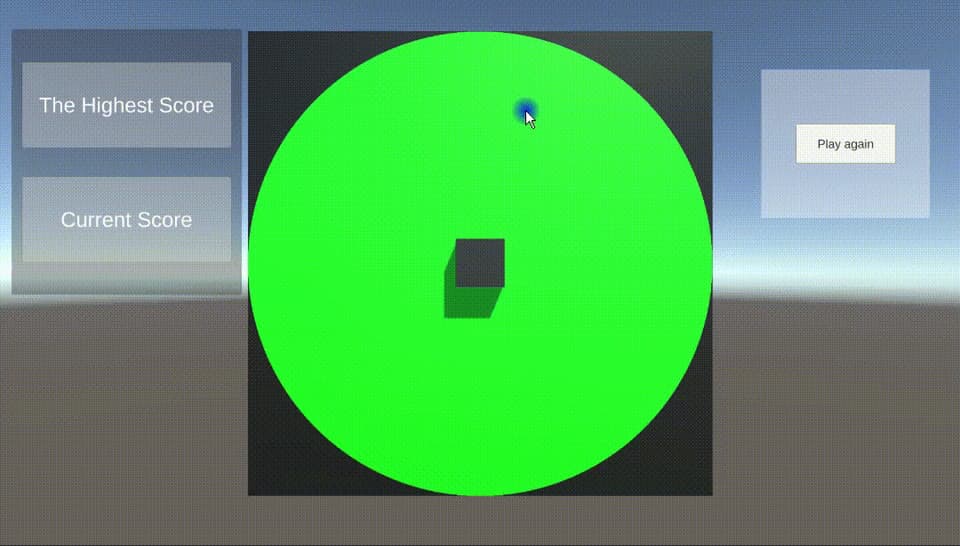
Try Not to Lose is about surviving as long as you can. There's no multiplayer, but you can still take turns with friends and try to beat each other's high score. You steer a cube by clicking on the plane, and it has to stay inside a green circle. Every click or change of direction makes the cube faster and the circle smaller, so the game comes down to strategy, precision and quick decisions about when to click.
Technical breakdown
Crossing the CPU–GPU boundary
The hardest part was getting the CPU and GPU to talk to each other. The green area isn't a mesh. It's a 1200 × 1200 render texture with random write enabled, filled by a compute shader. Gameplay code on the CPU owns the border value and checks whether the cube has left the circle. On every click it shrinks the border, passes the new radius to the shader and dispatches it again, which redraws the circle smaller.
The kernel tests each texel's distance from the centre of the texture against the radius, and writes green inside and black outside:
// Each #kernel tells which function to compile; you can have many kernels
#pragma kernel Circle
// Create a RenderTexture with enableRandomWrite flag and set it
// with cs.SetTexture
RWTexture2D<float4> Result;
int texResolution;
int circleRadius;
float inCircle (float2 pt, float radius)
{
    if (length(pt)<radius)
    {
        return 1.0;
    }else
    {
        return 0.0;
    }
}
[numthreads(8,8,1)]
void Circle (uint3 id : SV_DispatchThreadID)
{
    int halfRes = texResolution>>1; // dividing by 2 by bitwise right shift
    float res = inCircle((float2)((int2)id.xy-halfRes),circleRadius);
    Result[id.xy] = float4(0.0,res,0.0,1.0);
}
On the C# side, a click updates the radius from the game state and re-runs the kernel with one thread group per 8×8 block of texels:
private void InitShader()
{
    kernelHandle = shader.FindKernel("Circle");
    shader.SetInt("texResolution",texResolution);
    shader.SetInt("circleRadius",circleRadius);
    shader.SetTexture(kernelHandle, "Result", outputTexture);
    rend.material.SetTexture("_MainTex", outputTexture);
    DispatchShader(texResolution / 8, texResolution / 8);
}
void Update()
{
    if (Input.GetMouseButtonUp(0))
    {
        circleRadius=GameManagement.border*6;
        InitShader();
    }
}
Scores
The score is the number of seconds survived. After each round, the game compares it with previous attempts and shows the highest score, which gives players a target to beat on the next try.
Reference
Built with what I learned from Catlike Coding's compute shader tutorial and the Unity compute shader documentation.
Gallery02
The boundary shrinks with every click