Games / Math · 2022 · Shipped
Zombie Killer
A first-person zombie survival shooter with a Perlin-noise city, four difficulty levels and a heat-limited gun, built solo in Unity for WebGL.
- Role
- Solo developer
- Team
- Solo
- Context
- Personal project
- Timeline
- 2022
- Status
- Shipped
Highlights
- Event-driven code with C# delegates (Observer pattern) and coroutines
- A game-state machine with a Done state, so transition logic runs once instead of every frame
- Zombies that turn and lunge with hand-written dot and cross product maths on top of NavMesh pathfinding
- A heat-based gun that stops players spraying their way out of a crowd
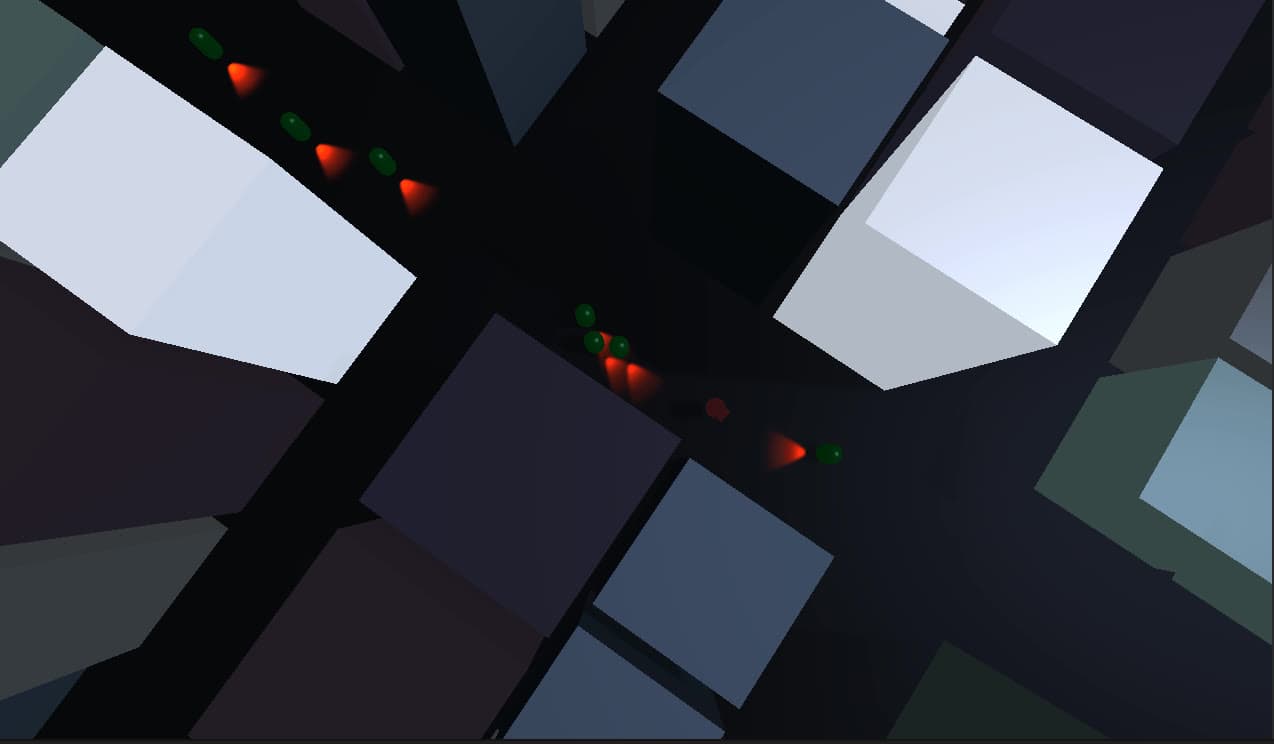
- A Perlin-noise city, with zombie spawns placed on a circle around the player and snapped to street intersections
- development time
- 20 days
- difficulty levels
- 4
Overview
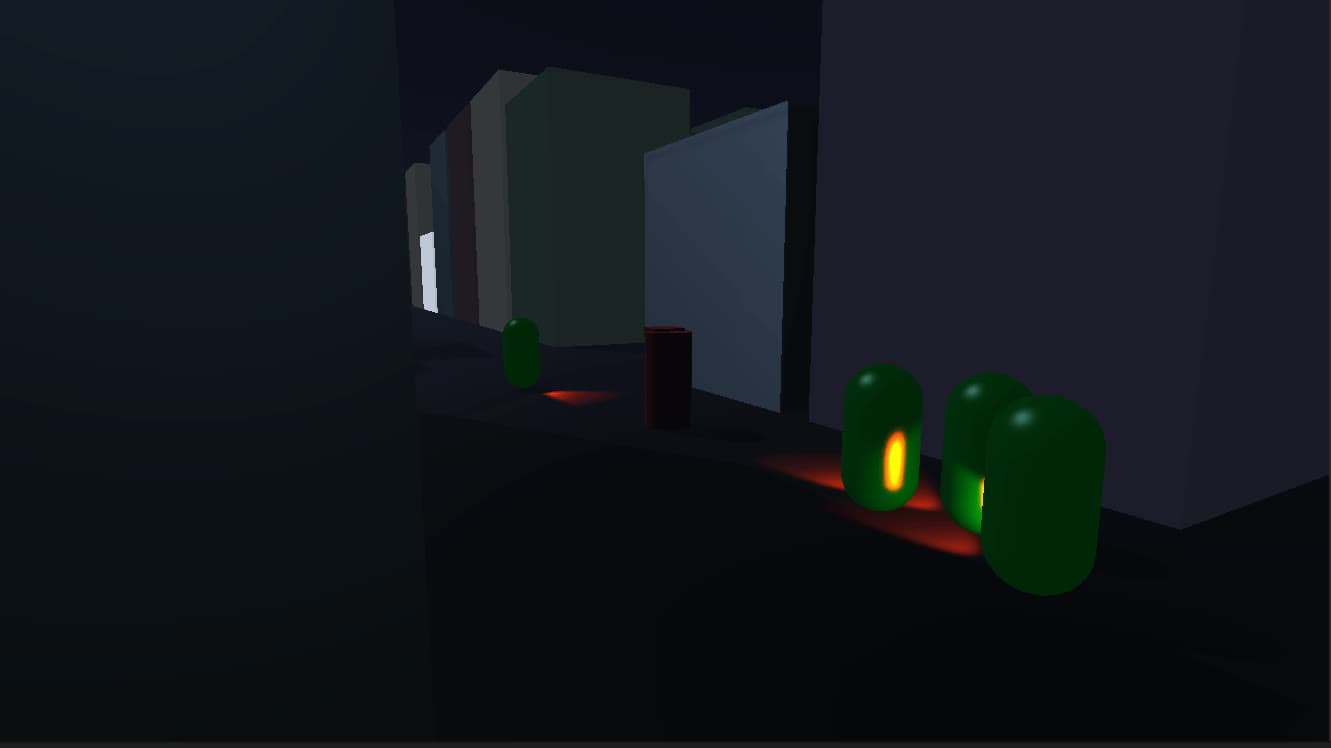
Zombie Killer is a first-person survival shooter. You start in the middle of a procedurally generated city, zombies close in from every side, and you win by killing a set number of them before their bites wear you down.
I built it solo in 20 days, straight after Scarecrow: Don't Look Away, to get more 3D experience in Unity. Programming came ahead of art: buildings are cubes, zombies are capsules, and colour and lighting carry the mood.
What I built
- Event-driven code. C# delegates and events (the Observer pattern) broadcast zombie deaths, bites and the player's death to the game manager instead of polling. Coroutines handle shooting, gun heat, bullet lifetime and path updates.
- Game states. The enum-and-switch Play / Pause / Win / Lose machine comes from Scarecrow. Because it runs in
Update, I added aDonestate: each transition runs its setup once, then parks inDone, so the steady-state cost is one check per frame. - Settings. Mouse sensitivity and field of view can be changed at any time, even mid-game. Difficulty and the kill target are set from the main menu.
- Difficulty. Easy, Normal, Hard and Impossible mainly change the zombies. Walk speed rises from 3 to 12, the pause between bites drops from 5 s to 0.5 s, zombies spawn more often and from more points around you, and the default kill target climbs from 10 to 150.
- Zombies. Each has health, walking speed and bite speed. Damage turns it from green to red and makes it faster, and every bite fully heals it and resets its colour and speed.
- Heat-based gun. Instead of ammo, sustained fire heats the gun until it locks and has to cool down, so you can't spray your way out of a crowd. Heat shows on a UI bar and on the gun tip, which glows red.
Technical breakdown
Turning toward the player
Unity's AI Navigation package handles pathfinding, but turning toward the player and the bite are my own maths. The zombie gets the angle from the normalised dot product, uses the sign of the cross product's y component to pick the turning direction, and rotates its forward vector with a 2D rotation:
void LookAtPlayer(Transform me,Transform player)
{
    vecBetween = player.transform.position-me.position;
    vecBetween.y = 0;
    angle = Angle(me.forward, vecBetween);
    Vector3 cross =  Vector3.Cross(me.forward, vecBetween) ;
    rotate = Rotate(me.forward, angle,cross);
    if (angle>0f)
    {
        me.forward = rotate;
    }
}
Vector3 Rotate(Vector3 vector, float angle,Vector3 cross)
{
    if (cross.y<0)
    {
        angle = 2 * Mathf.PI - angle;
    }
    float z = vector.z * Mathf.Cos(angle) - vector.x * Mathf.Sin(angle);
    float x = vector.z * Mathf.Sin(angle) + vector.x * Mathf.Cos(angle);
    return new Vector3(x, 0, z);
}
float Angle(Vector3 vec1, Vector3 vec2)
{
    float dotDivided = Vector3.Dot(vec1, vec2)/(vec1.magnitude*vec2.magnitude);
    float angle2 = Mathf.Acos(dotDivided);
    return angle2;
}
The bite is a lunge to the player and back, driven by y = 4(x − x²), which rises from 0 to 1 and falls back to 0 as x goes from 0 to 1.
The heat-limited gun
Shooting and heat run in separate coroutines, which keeps the logic short and cuts unnecessary checks:
void Update()
{
    if (Input.GetMouseButtonDown(0)&&isCoroutineFinished)
    {
        StartCoroutine(Shoot());
    }
    if (shootingTimer > 0 && isCoroutineFinished)
    {
        shootingTimer -= Time.deltaTime*timerSpeed;
    }
}
IEnumerator Shoot()
{
    float refreshRate = 0.2f;
    while (Input.GetMouseButton(0)&&shootingTimer <85)
    {
        shootingTimer +=15;
        isCoroutineFinished = false;
        // ... raycast from the camera and fire a bullet at the hit point
        yield return new WaitForSeconds(refreshRate);
        isCoroutineFinished = true;
    }
}
IEnumerator HeatBar()
{
    float refreshRate = .2f;
    while (true)
    {
        heatBarUI.size = shootingTimer / 100;
        //handling the gun heat up animation on tip of the gun
        tipGun.color = new Color(shootingTimer/100, defaultColor.g - shootingTimer/100,
            defaultColor.b - shootingTimer/100);
        yield return new WaitForSeconds(refreshRate);
    }
}
City and spawns
Perlin noise places buildings of random sizes and colours, so the streets change on every replay. Zombies don't spawn at random. I convert evenly spaced angles into points on a circle around the player (cosine for x, sine for y), and each point snaps to its nearest street intersection. Zombies appear in the street, never inside a building, and close in from every side. The spawn areas grow or shrink with difficulty.
Reference
WebGL build, playable in the browser on itch.io. Built with Unity's Cinemachine and AI Navigation packages. I learned the vector maths behind it from Freya Holmér's maths course.
Videos04
Zombie Killer - Game Settings
Zombie Killer - Game Difficulty
Zombie Killer - Zombie Behavior
Zombie Killer - PlayerGun
Gallery05
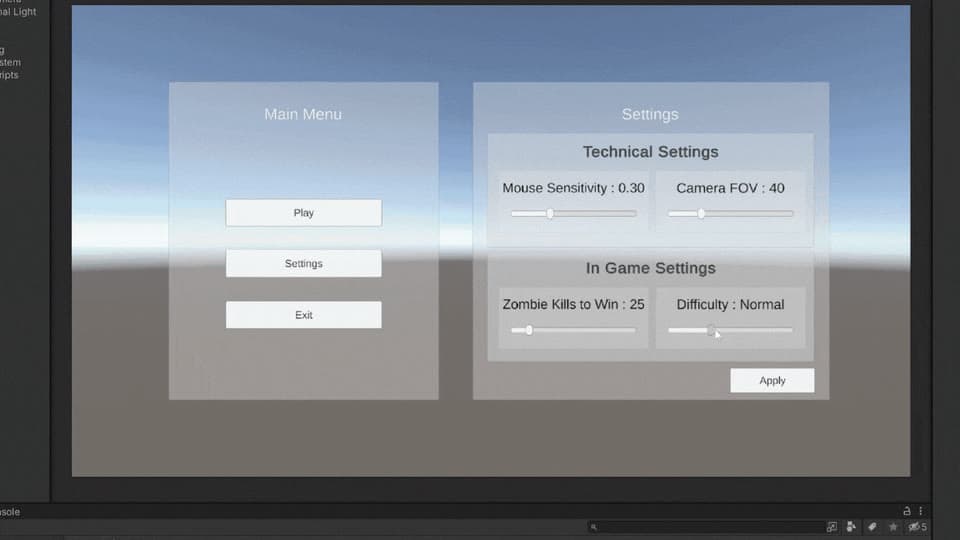
Settings and difficulty selection 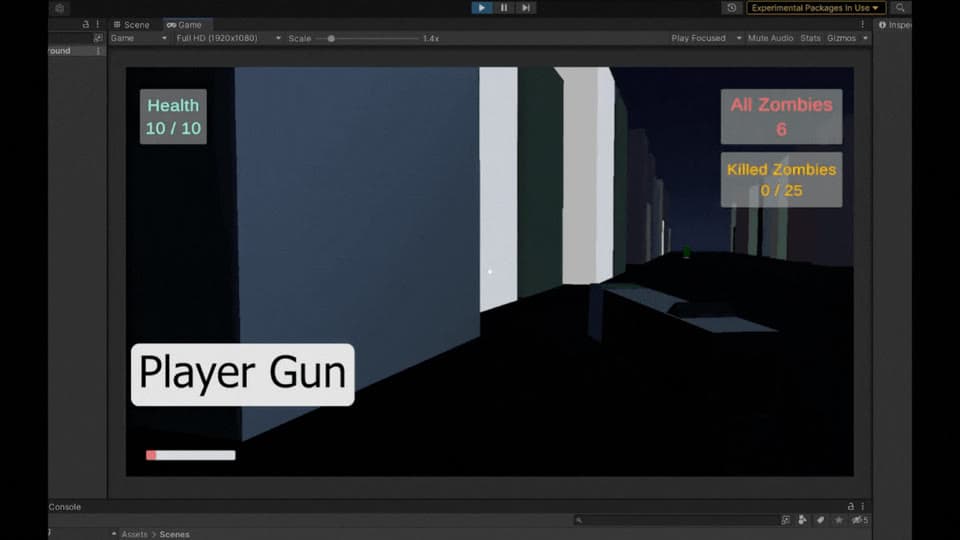
The heat-limited gun 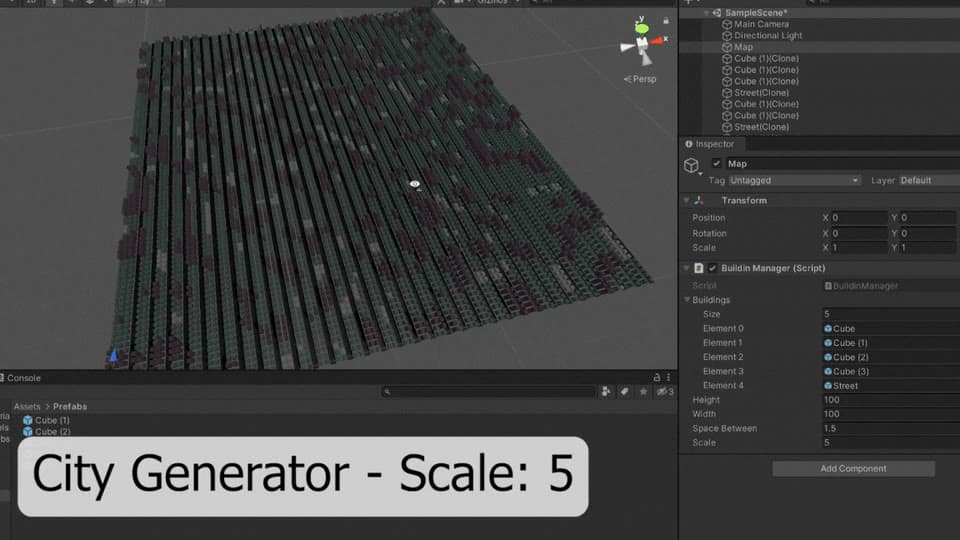
Perlin-noise city generator